

How to Shoot Cinematic Video (Settings, Movement & Composition)
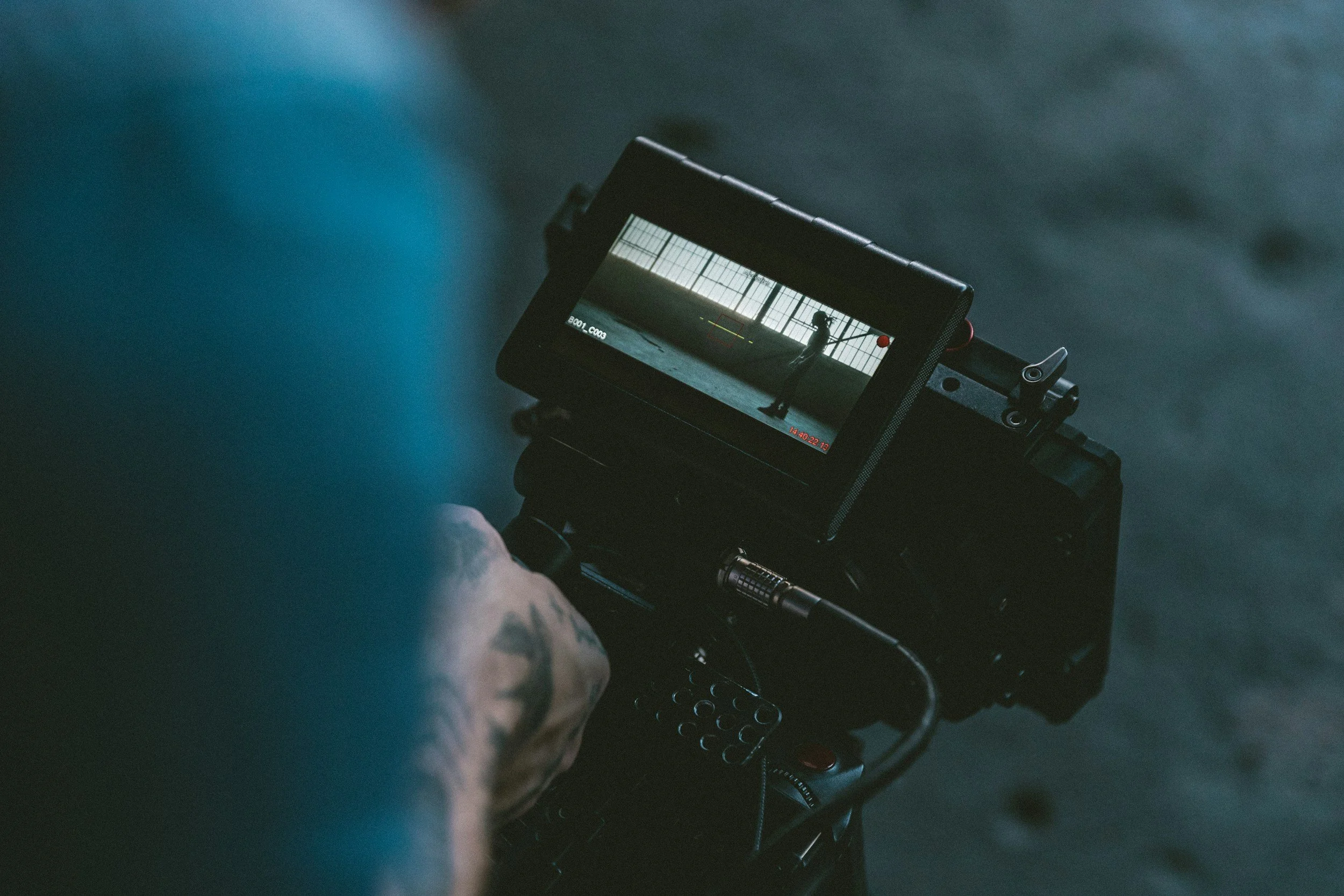
Photo by Jakob Owens / Unsplash
==========
A lot of people think “cinematic” video comes from expensive gear.
It doesn’t.
Most of what makes footage look cinematic comes down to:
motion
light
consistency
intent
This guide breaks down how to actually achieve a cinematic look using real-world settings and techniques—especially with hybrid cameras.
What Makes Video Look Cinematic?
Cinematic video is not just about sharpness or resolution.
It usually has:
natural motion blur
controlled lighting
intentional framing
consistent color
If your footage looks too sharp, too smooth, or inconsistent, it often feels less cinematic.
Start With Frame Rate
Frame rate sets the foundation for motion.
👉 24fps is the standard for cinematic video
It creates:
natural motion blur
a familiar “film” look
slightly softer motion
👉 Full breakdown:
24 vs 30 vs 60 FPS (Best Frame Rate for Video Explained)
Match Shutter Speed to Frame Rate
This is one of the most important steps.
For cinematic motion:
24fps → 1/50 shutter
This creates natural motion blur that feels smooth and intentional.
👉 Learn why this matters:
180 Degree Shutter Rule (What It Is + How to Use It in Real-World Video)
Control Your Aperture (Depth of Field)
Cinematic footage often uses shallow depth of field.
Use:
👉 wide apertures (f/1.4 – f/2.8)
This creates:
subject separation
softer backgrounds
more visual depth
The “cinematic look” comes more from your lens than your settings.
👉 See:Best Lenses Under $500
Lighting Is Everything
Even with perfect settings, bad lighting kills the cinematic look.
Focus on:
directional light
contrast
avoiding flat lighting
In concerts and events, you don’t control light—but you can control:
how you expose your subject
👉 Shooting difficult lighting:
Best Video Settings for Low Light (Concerts + Events)
Keep Motion Natural (Don’t Oversmooth)
A common mistake:
👉 using 60fps for everything
60fps creates:
very smooth motion
less cinematic feel
Use 60fps when:
you need slow motion
movement is extreme
Otherwise:
👉 stick with 24fps
Use ND Filters Outdoors
When shooting outside:
👉 there’s often too much light
You might be tempted to increase shutter speed—but that breaks cinematic motion.
Instead:
👉 use ND filters
They let you:
maintain correct shutter speed
control exposure
keep motion natural
👉 See options:
Best ND Filters for Landscape Photography
Choose the Right Camera (It Helps)
You don’t need the most expensive gear—but some cameras make this easier.
Look for:
strong low light performance
reliable autofocus
good video features
👉 See recommendations:
Best Hybrid Cameras (Top Picks for Photo + Video)
👉 Example:
Canon EOS R6 Mark III (Real-World Review + Hybrid Performance)
Real-World Example Setups
🎥 Cinematic Interview Setup
24fps
1/50 shutter
f/1.8 – f/2.8
ISO adjusted for exposure
manual white balance
Focus:
👉 subject separation + stable lighting
🎤 Concert / Live Event Setup
24fps or 30fps
1/50 or 1/60 shutter
wide aperture
ISO as needed
continuous autofocus
Focus:
natural motion + usable exposure
👉 Related guide:
How to Shoot Concerts in Small Venues (Bar + Club Photography Guide)
🌄 Outdoor Cinematic Setup
24fps
1/50 shutter
aperture based on look
ND filter applied
low ISO
Focus:
👉 controlled motion + balanced exposure
Composition Still Matters
Cinematic footage is also about how you frame shots.
Use:
leading lines
foreground elements
layered depth
👉 Improve composition:
Landscape Photography Composition Guide
Color and Consistency
Even simple color choices matter.
Focus on:
consistent white balance
not overcorrecting colors
maintaining a natural look
You don’t need advanced color grading to look cinematic.
Common Mistakes
using high frame rates for everything
breaking shutter speed rules
ignoring lighting
relying too much on gear
inconsistent white balance
over-editing footage
Final Thoughts
Cinematic video is about control—not complexity.
If you focus on:
frame rate
shutter speed
light
consistency
your footage will already look more intentional.
Everything else builds on top of that.
Frequently Asked Questions
What settings make video look cinematic?
24fps, shutter speed matched to frame rate, wide aperture, and controlled lighting.
Is 24fps always best for cinematic video?
Most of the time, yes. But 30fps or 60fps can be useful depending on the situation.
Do I need expensive gear to shoot cinematic video?
No. Settings and lighting matter more than the camera itself.
Why does my video not look cinematic?
Common reasons include incorrect shutter speed, high frame rates, poor lighting, and inconsistent color.
==========
Explore more:
